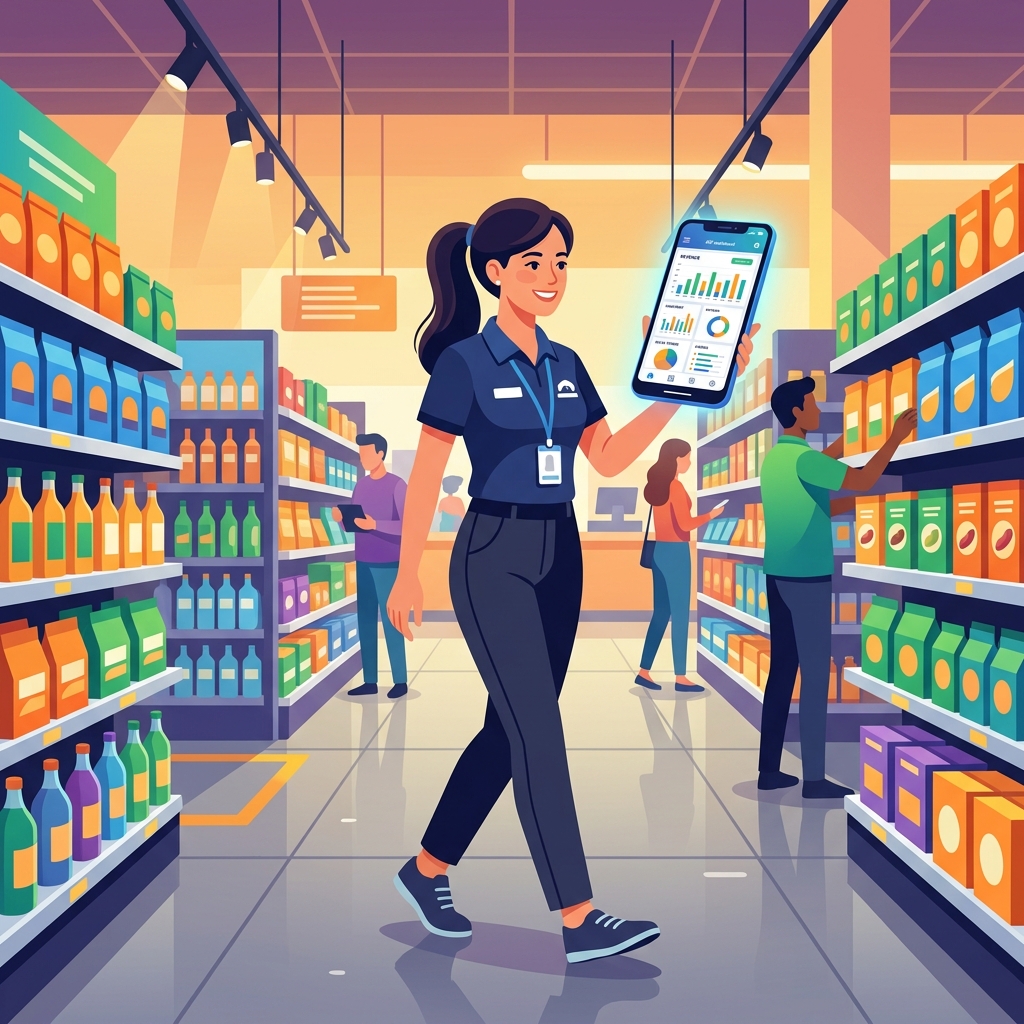
The POS Terminal is the screen your counter staff will spend most of their day on. It is built for speed: add items, take payment, print, next customer. Here is how to use it well.
Opening the POS
In the sidebar, open POS Terminal and click Open POS. You land on the billing screen, ready to serve a customer.
Billing a customer
- Add items by scanning the barcode or typing the product name to search. Each item lands on the bill with its price.
- Adjust quantities as needed, and apply a discount on a line or the whole bill if you allow it.
- Pick the customer for a credit sale or to record it to their ledger; leave it general for a cash walk-in.
- Take payment, choosing cash, card, or a wallet like JazzCash or Easypaisa. You can split a bill across methods.
- Complete the sale. The receipt prints, stock reduces, and if FBR is enabled the invoice is reported with its number and QR code.
Handy things the POS does
- Fast search and scan so busy hours stay quick.
- Discounts that can be recorded, so what you give away is visible, not invisible.
- Live stock, so you are not selling what you do not have.
Closing your day
At the end of the day, use your sales and payment reports to reconcile: cash sales against the drawer, card sales against the machine, wallet sales against your accounts. Because the POS records how each sale was paid, closing is a quick check rather than a confusing guess.
A few tips
- Train the person who actually bills, the cashier, not just the owner.
- Use scanning where you can, it is faster and keeps stock accurate.
- Reconcile every shift, not just every day, so any gap is small and easy to explain.
What next
Every POS sale feeds your reports automatically. Explore Pay Kar reporting to see your sales, payments and profit build up from the counter.
Want your counter running fast on the POS? Book a free Pay Kar demo and we will run real sales through the terminal with you.